LINKEDIN CONTENT LAB X ADOBE MAX 2025
A Content Lab for Creative Expression
LinkedIn’s presence at Adobe Max 2025 had a very specific strategic purpose:
to reach the professional creative community — the designers, illustrators, motion artists, and visual storytellers who shape culture — and drive them to use video on LinkedIn. Redefining LinkedIn to the creative community, means allowing them to see not only LinkedIn in a new way, but themselves, their careers, their projects, and their visibility.

These are skilled professionals who think deeply about presentation, clarity, and craft.
They don’t need another social platform.
They need a professional home for their work.
To meet that need, Tool designed the LinkedIn Content Lab — a visually striking, structured, and friendly studio-like environment where attendees could create video content and present their work effectively, explore audience strategy, and build polished posts using Adobe Express templates created specifically for creatives.

A SPACE BUILT FOR HOW CREATIVES THINK
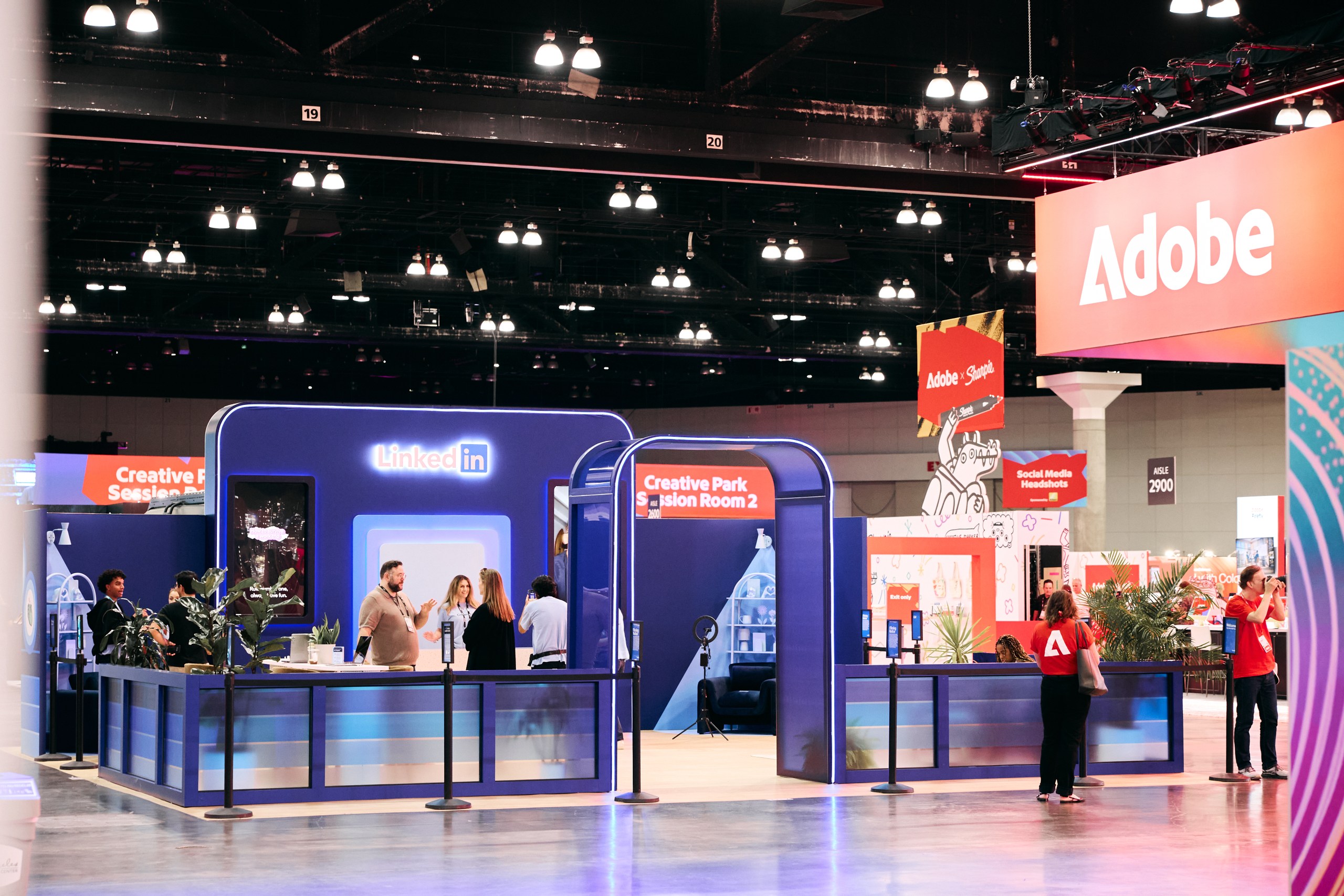
The installation prioritized contemporary visual appeal, color theory, immersive design and clarity of message.
Large video displays featured content created by LinkedIn creators, showcasing the platform's video aesthetic and simplicity of use.
A design highlight featured LinkedIn’s deep blue as a deliberate counterpoint to the conference’s dominant red — a visual distinction that helped the space stand out at the main entrance, the highest-traffic area of the entire event.
LinkedIn’s creative strategy showcased an enriched color palette and newly designed icons showcased on the hero canvas wall are also featured as dynamic animations within the video display.
THE CHALLENGE
Creative professionals aren’t unsure about their craft.
They’re unsure how to post content about it, in a way that advances their career.

COMMON QUESTIONS:
“How do I share the process without oversharing?”
“What’s the best format for presenting finished work?”
“What resonates with clients and recruiters on LinkedIn?”
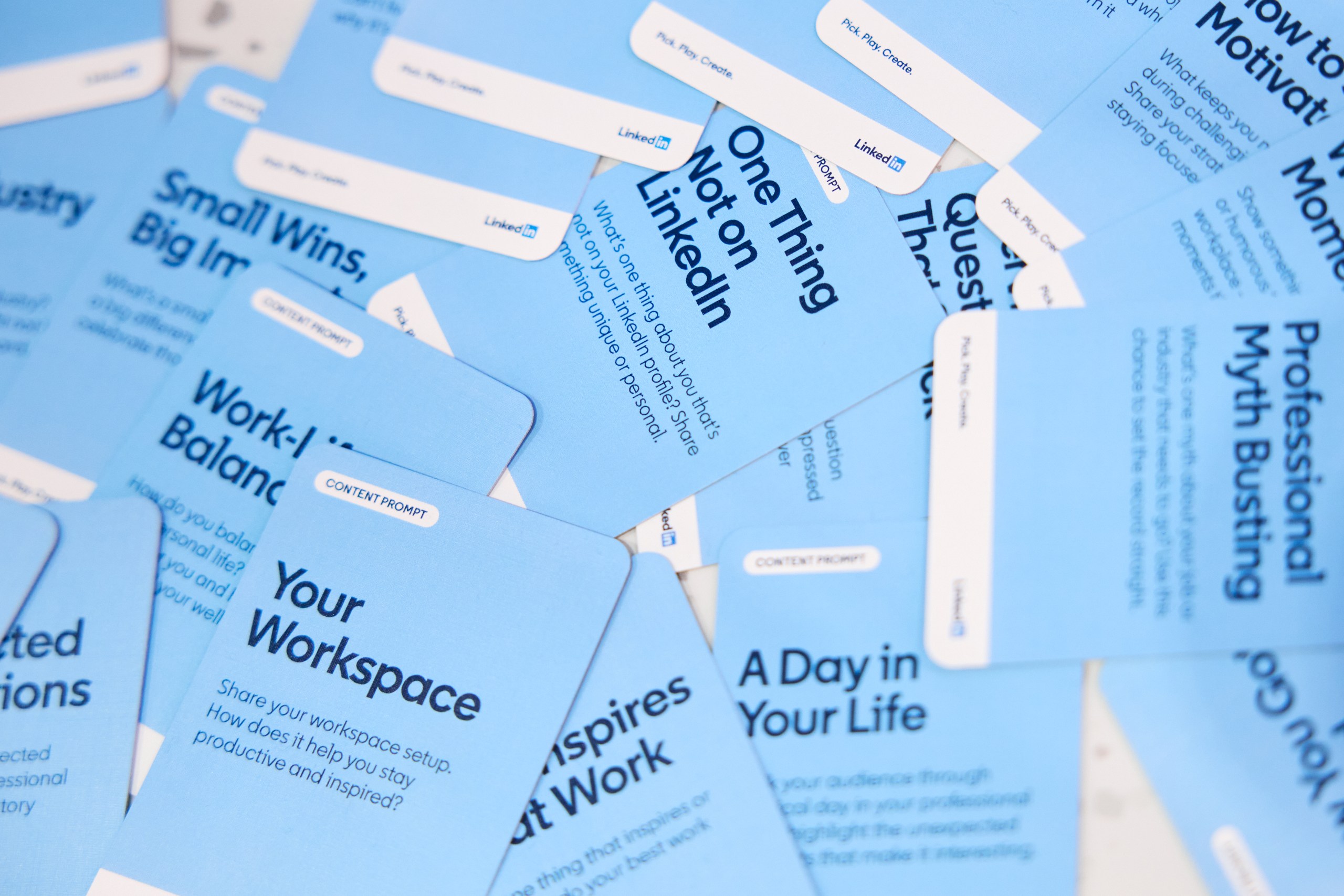
LinkedIn’s solution was to hand out Content Cards, with different prompts, thought-starters, and creative direction for creating Video Content to post on LinkedIn.
POPULAR CARD PROMPTS ONSITE:
- “Share your [workplace] green flags.”
- “Share your [workplace] red flags.”
- “Share a career story.”
- “A day in your life.”
- “Best advice you ever received.”
The Content Lab was built to give them clarity, structure, and practical tools — not inspiration for inspiration’s sake. The use of Content Cards along with the Adobe Express Templates help creators enhance their networking skills by utilizing these tools.
THE USER JOURNEY

1
Arrival: A Working Studio, Not a Booth
At the convention center’s front entrance, the Content Lab offered a friendly inviting atmosphere, while surprising guests with LinkedIn’s aesthetic focused design. The message was immediate: LinkedIn is for creatives.
2
Exploration: Why Video on LinkedIn?
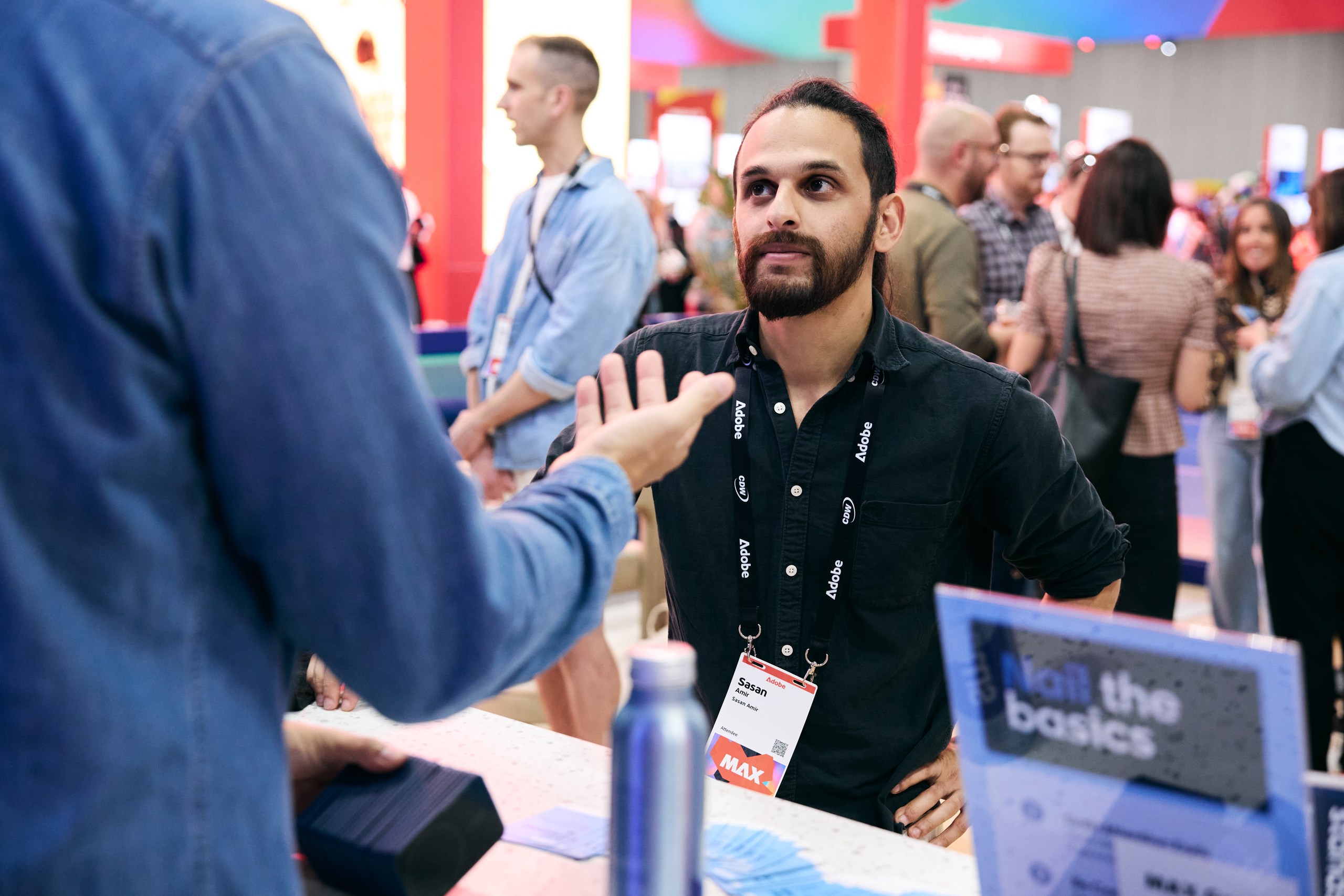
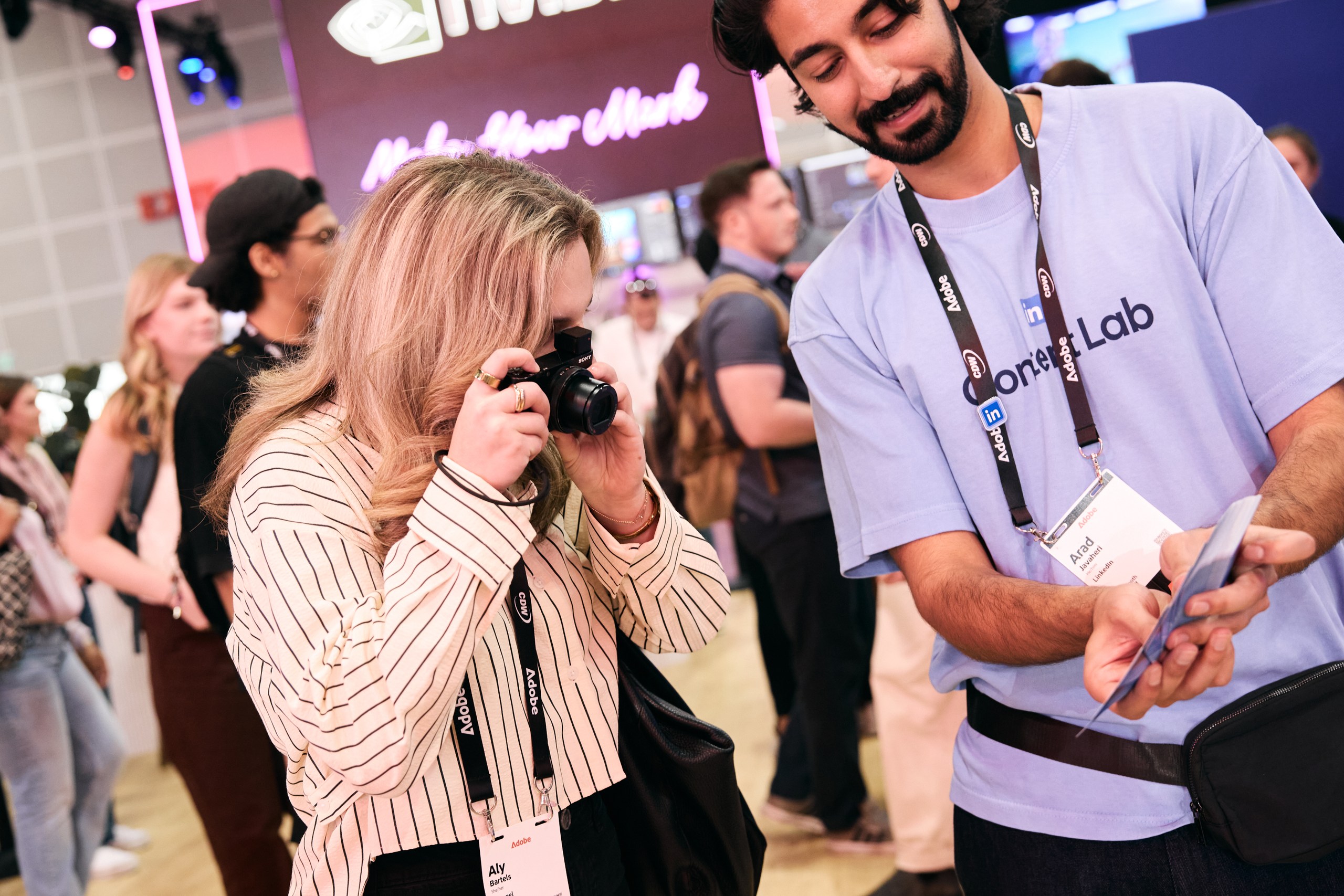
Inside, attendees met one-on-one with LinkedIn content specialists to refine their professional voice and learn what types of posts perform for creative audiences. From initiating the first topic to the final edit, guests were encouraged to explore topics and ways to connect with their networks via Video on LinkedIn. A closeup look at LinkedIn’s Content Cards became a conversation starter and excited guests with thoughtful video creation that would speak to their audience.
3
Create: Capture your Content
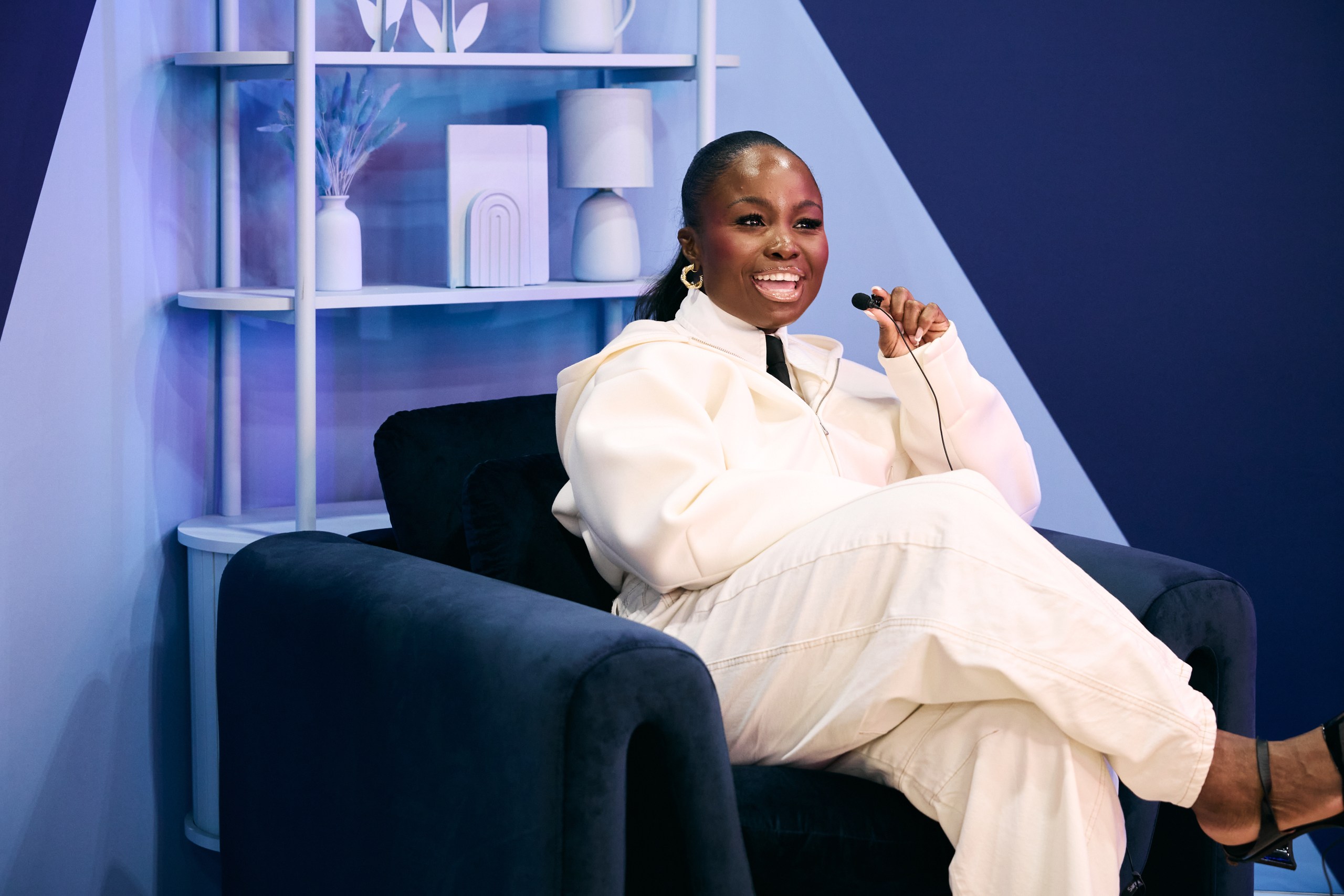
Guests were encouraged to take their seat in front of the camera, in front of LinkedIn’s beautifully designed content capture booth, and begin their video journey.
Ready to edit, guests were guided with a tutorial of Adobe Express templates: Templates are ready-made graphics and layouts created specifically for LinkedIn content. They come formatted in the correct size and style for LinkedIn posts and can include: Text layouts, Branding elements, Color palettes, Image placeholders, Icons/graphics, Animations (for some formats), Business-ready styles (corporate, minimal, promotional, personal branding, etc.)
All guests had to do is choose a template, swap in their own text/images/logo, and publish directly to their personal LinkedIn accounts with ease.
4
Output: Leave With Something You Can Use
Before heading back into Max, guests exported a polished post or complete template set — leaving with a functional, repeatable system for sharing their work on LinkedIn.
CREATOR REACTIONS & UGC
Designers and creative professionals organically documented their experience inside the Creative Lab, sharing short walkthroughs, reactions, and real-time template demos on LinkedIn.
These posts extended the activation beyond the venue, reinforcing the idea that posting videos on LinkedIn is an active, valuable part of the creative process.
“I never would have thought that posting videos on LinkedIn applied to me as a creator. Being here, and seeing this makes me realize LinkedIn can be for me – they see me.”
- Anonymous Guest